
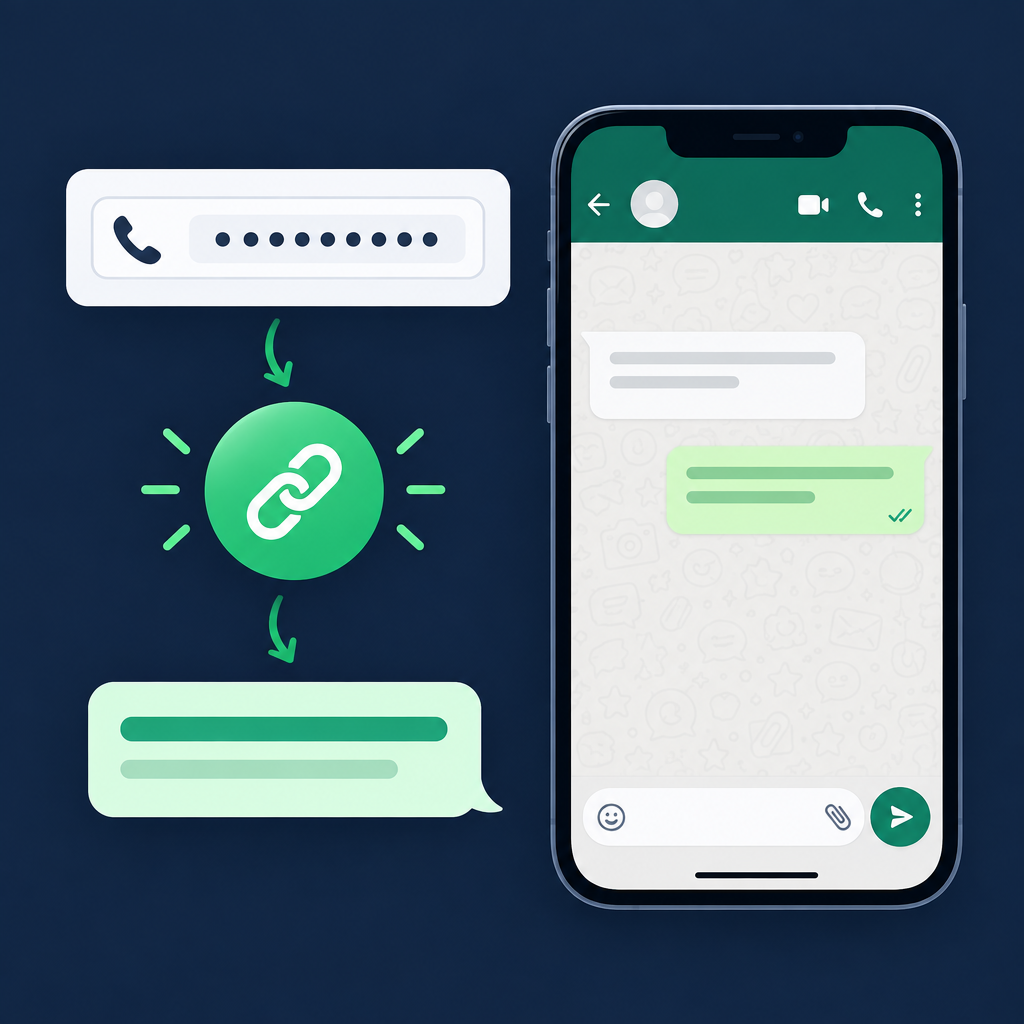
A WhatsApp click-to-chat link lets someone open a conversation with a phone number without saving that number first. It is useful on contact pages, ads, social profiles, invoices and customer-support pages.
Use the WhatsApp Link Generator to build the URL and add an optional prefilled message.
How a WhatsApp chat link works
The link points to WhatsApp with a phone number in international format. When the visitor opens it, WhatsApp launches a new conversation. If you include a message, that text appears in the message box ready to send.
How to create the link
- Open the WhatsApp Link Generator.
- Enter the phone number with country code.
- Remove spaces, brackets and other unnecessary punctuation if the tool asks for digits only.
- Add an optional message such as “Hi, I’d like a quote.”
- Generate the link and test it on both mobile and desktop.
Phone number formatting
Use the full international number. Do not guess the country code, and avoid adding a leading local zero when the international format does not use it.
Where to use the link
- Contact and support pages
- Google Business Profile or social bios
- Email signatures
- Product and service pages
- QR codes for print materials
If you want a scannable version, create the link first and then use the QR Code Generator.
Test before publishing
Open the finished link yourself and confirm the correct number appears. Check the prefilled message for encoding issues, especially if it contains punctuation, symbols or line breaks.
WhatsApp link structure
A click-to-chat link normally contains an international phone number and can optionally include a URL-encoded message. Spaces, line breaks and symbols in the message need to be encoded correctly so the browser does not break the link.
Practical examples
- Sales enquiry: prefill a short message asking for a quote or availability.
- Support: include a product or order reference prompt so the conversation starts with useful context.
- Local business: place the link behind a “Chat on WhatsApp” button instead of displaying a long raw URL.
- Print: convert the finished link into a QR code and test it before printing.
WhatsApp click-to-chat FAQ
Does the visitor need WhatsApp installed?
On mobile, the link can open the WhatsApp app when available. On desktop, the visitor may be directed to WhatsApp Web or another supported flow depending on their setup.
Should I include the plus sign in the phone number?
Use the format required by the link generator and verify the result. The important part is the full international number with the correct country code and without local-only formatting.
Can I track clicks on a WhatsApp link?
You can track clicks on your website button with an analytics platform, but do not add tracking parameters inside the WhatsApp destination unless the format supports them. Keep measurement separate from the phone-number and message parameters.
Create your link with the UptimeFixer WhatsApp Link Generator.